Free local camera
Capture offline, organize jobs and export a PDF from Android. No account or subscription required.
Open a job and capture the installation as you go. Bring in an existing photo, mark the detail that matters, and export the job record from your phone.
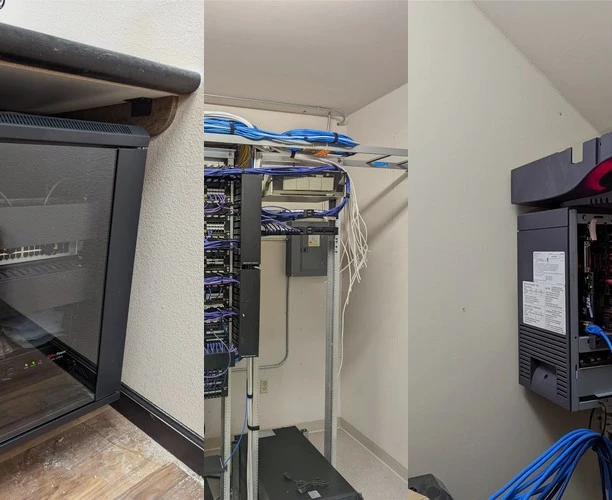
These are ShotOps screens from a Pixel. Open any image for a closer look.
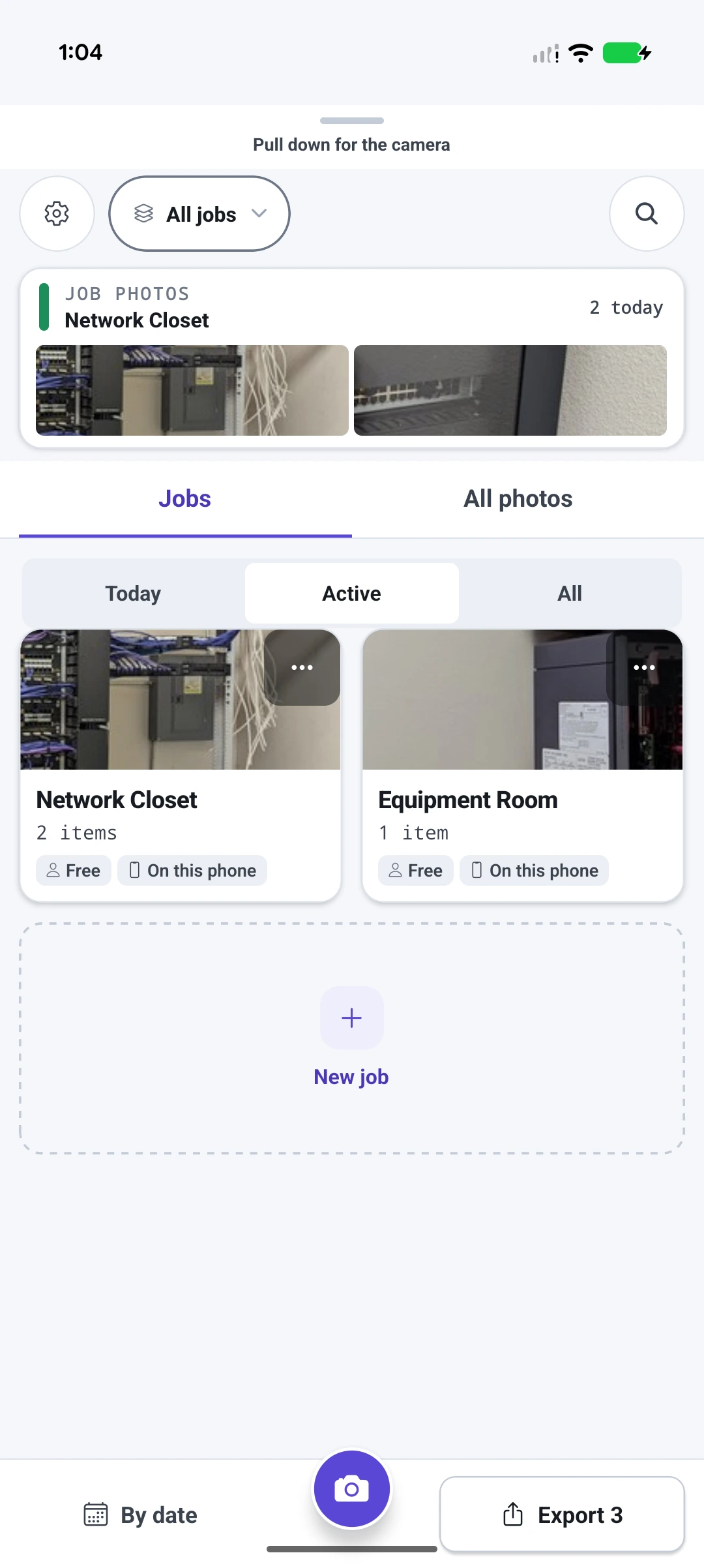
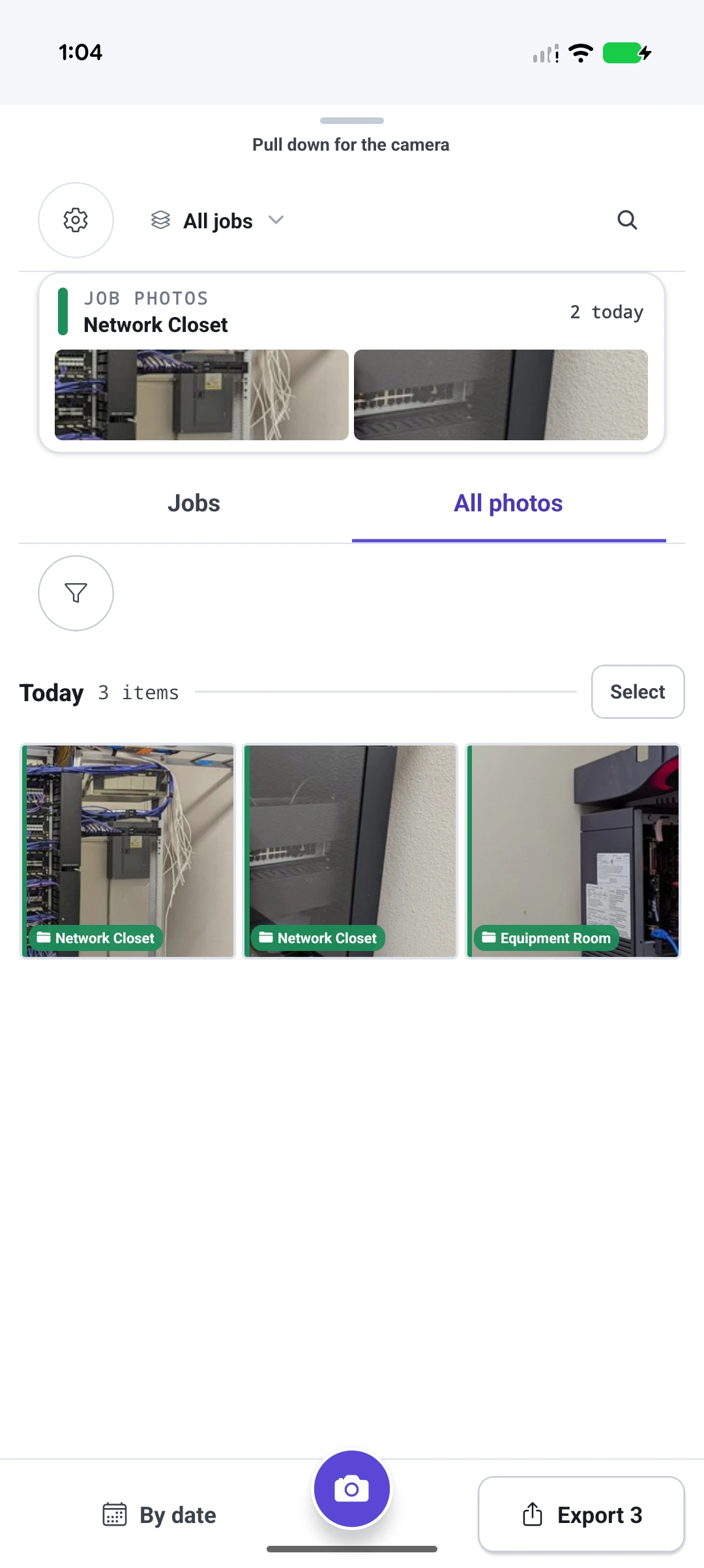
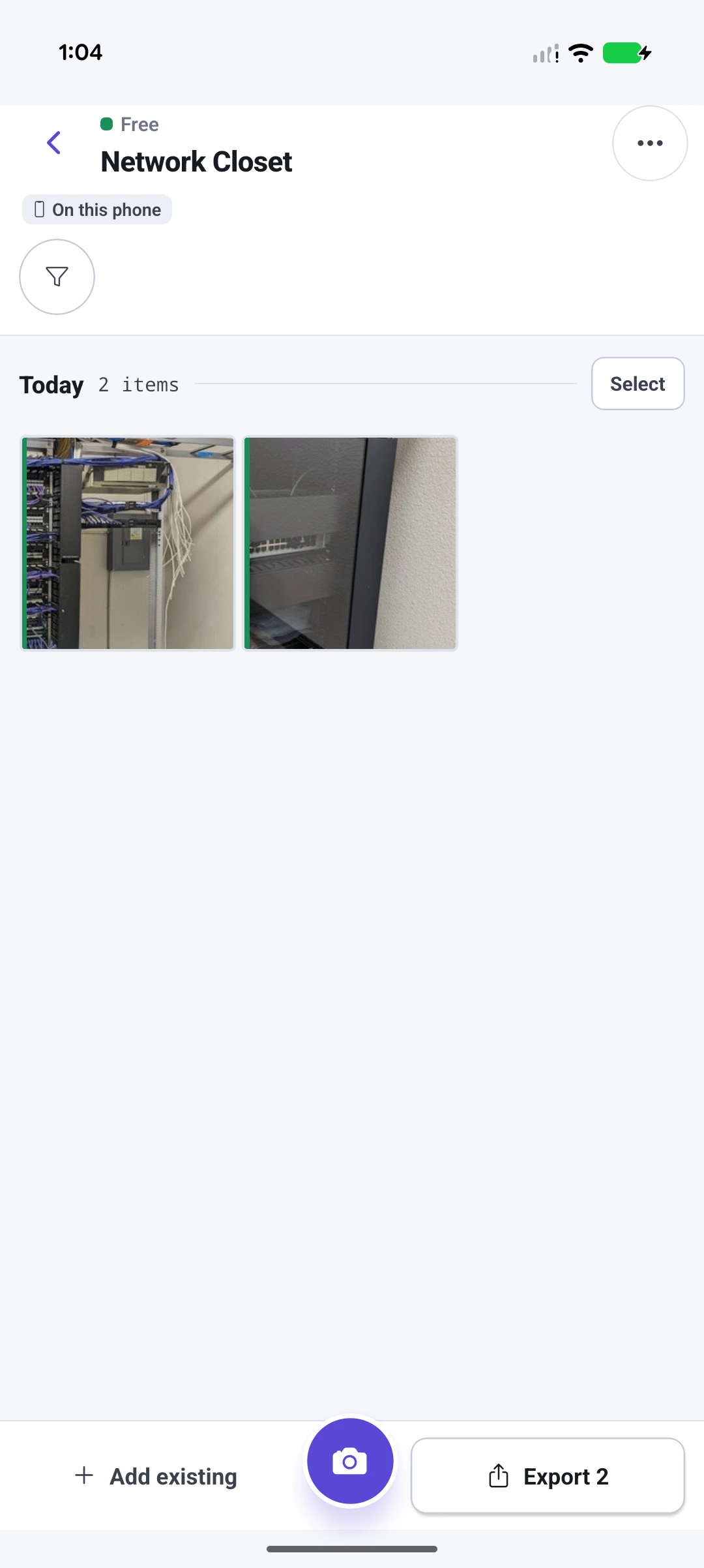
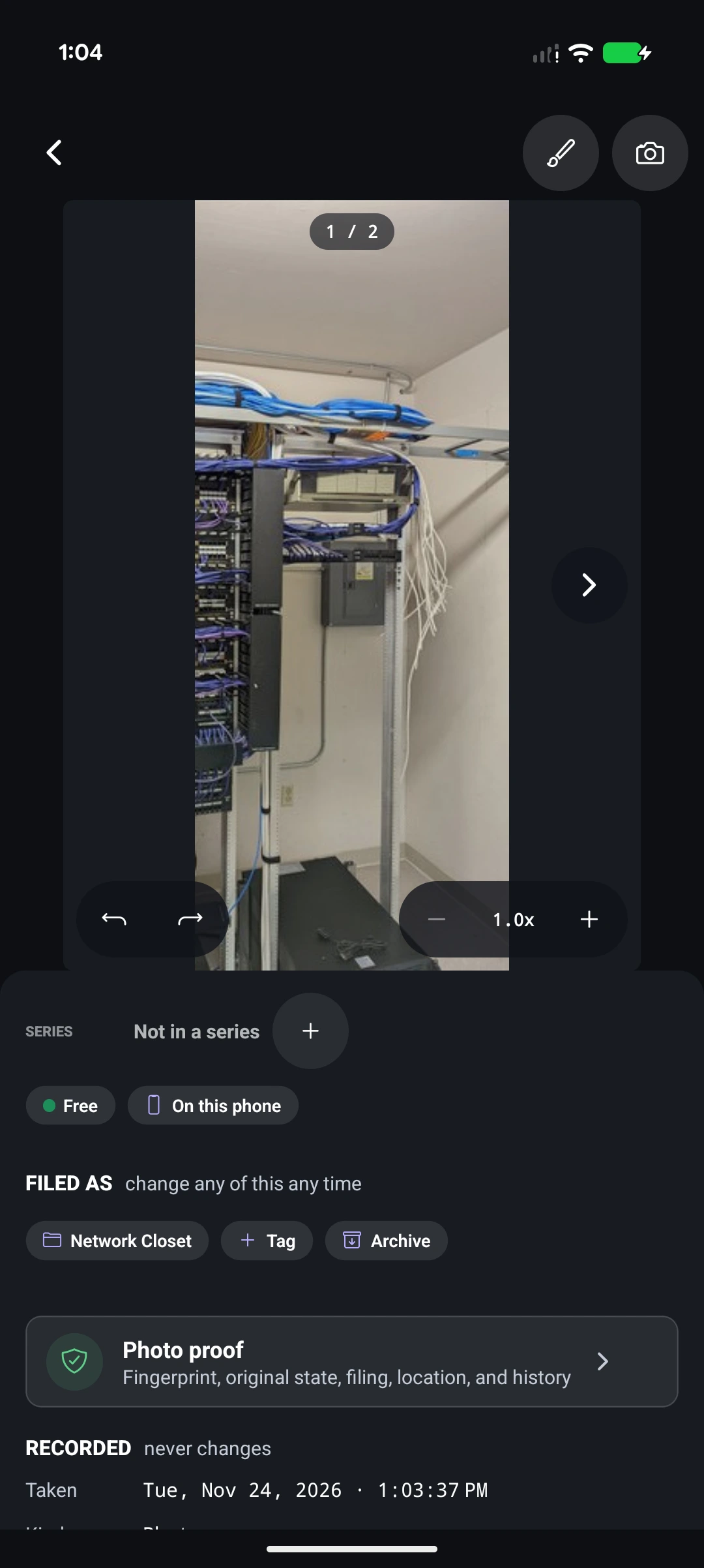
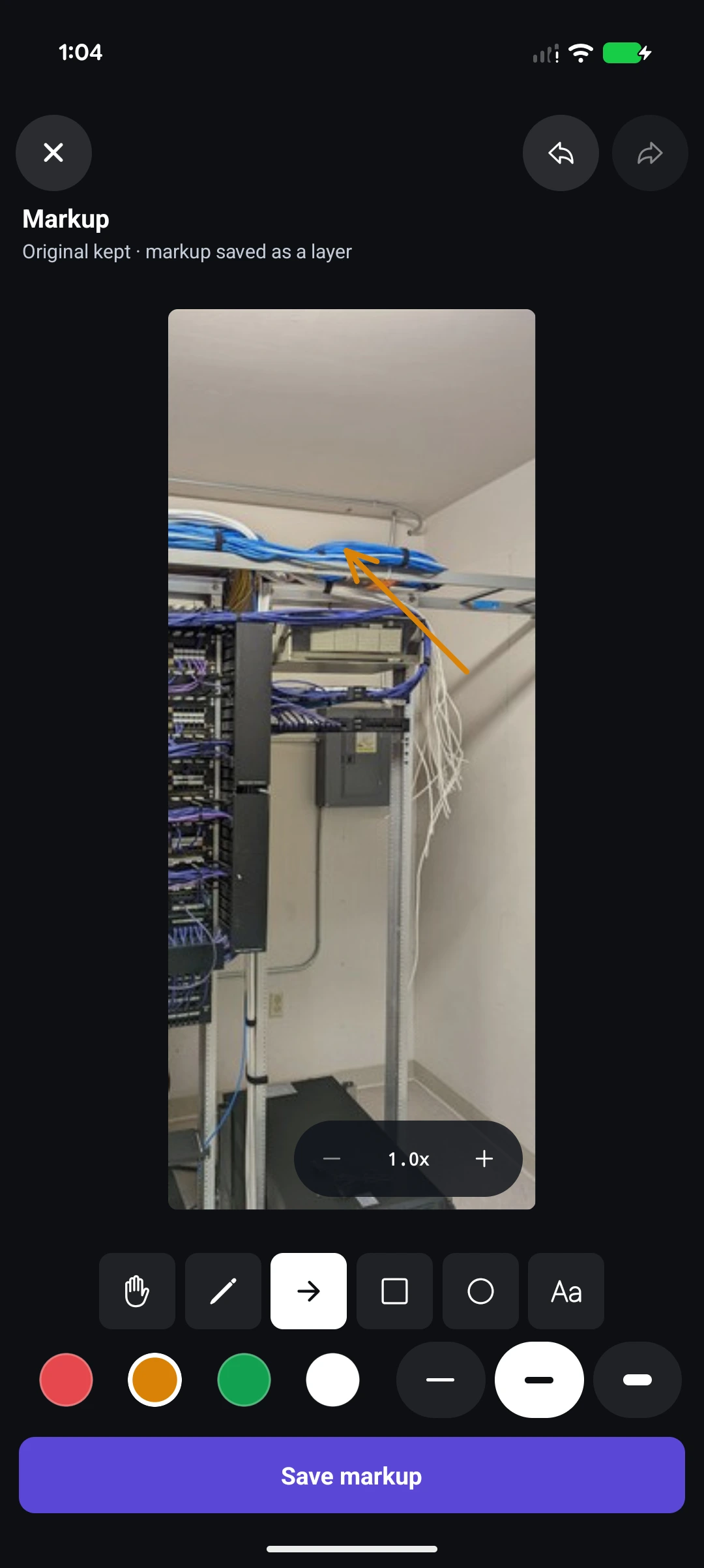
Capture offline, organize jobs and export a PDF from Android. No account or subscription required.
Free for invited beta testers. Back up eligible jobs with on-device encryption and browse synced photos from your computer.
Using the web portal →In development for companies that need shared jobs and managed access.
Pricing and availability →Personal Pro can back up photos already in eligible jobs. Turn off automatic backup before signing in to keep those photos on your phone.
Read the privacy policy →Local capture and organization need no account and show no ads. Usage analytics start only after sign-in. Crash reports leave out photos and job details.
Choose whether to tag a capture with its location while using the app.
Check the backup queue before relying on a second copy. An original can still be uploading after its thumbnail appears.
Use your enrolled Google Play account to update the Android app in place.